27.0
No release notes.

Jinwoo Kim
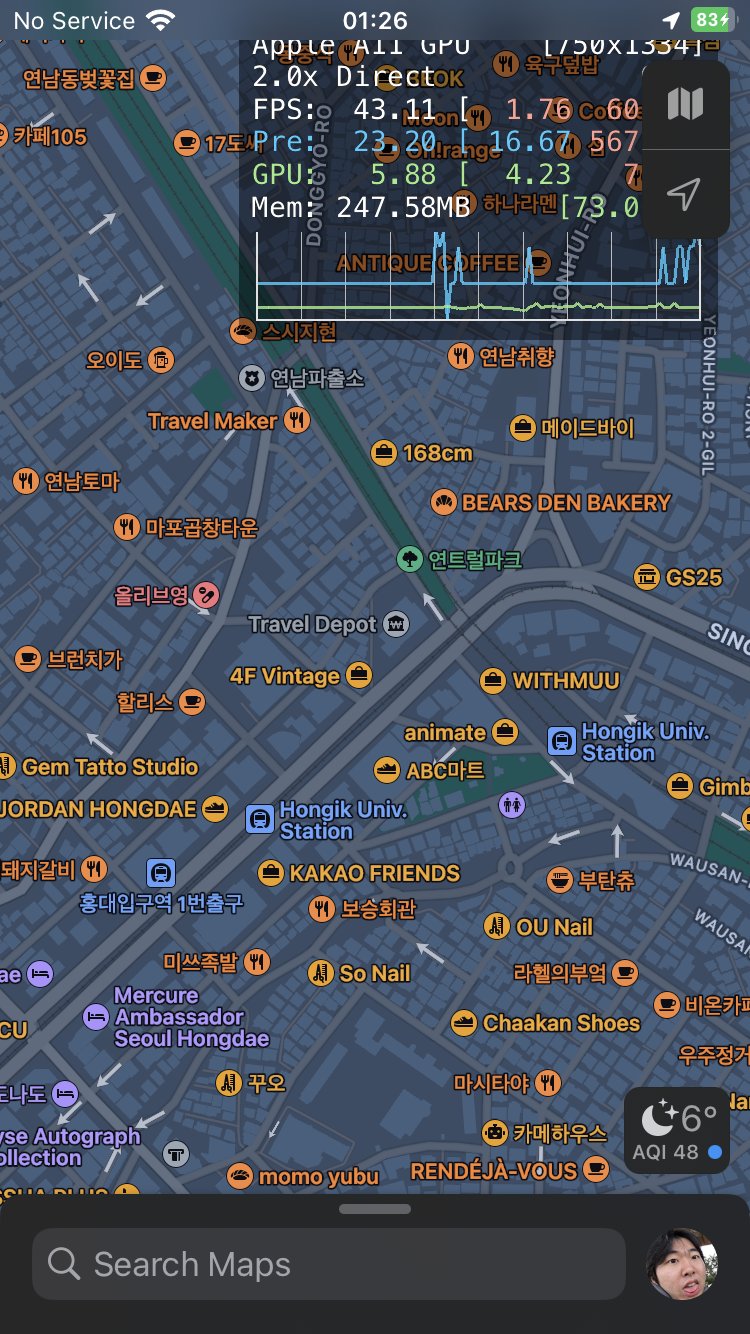
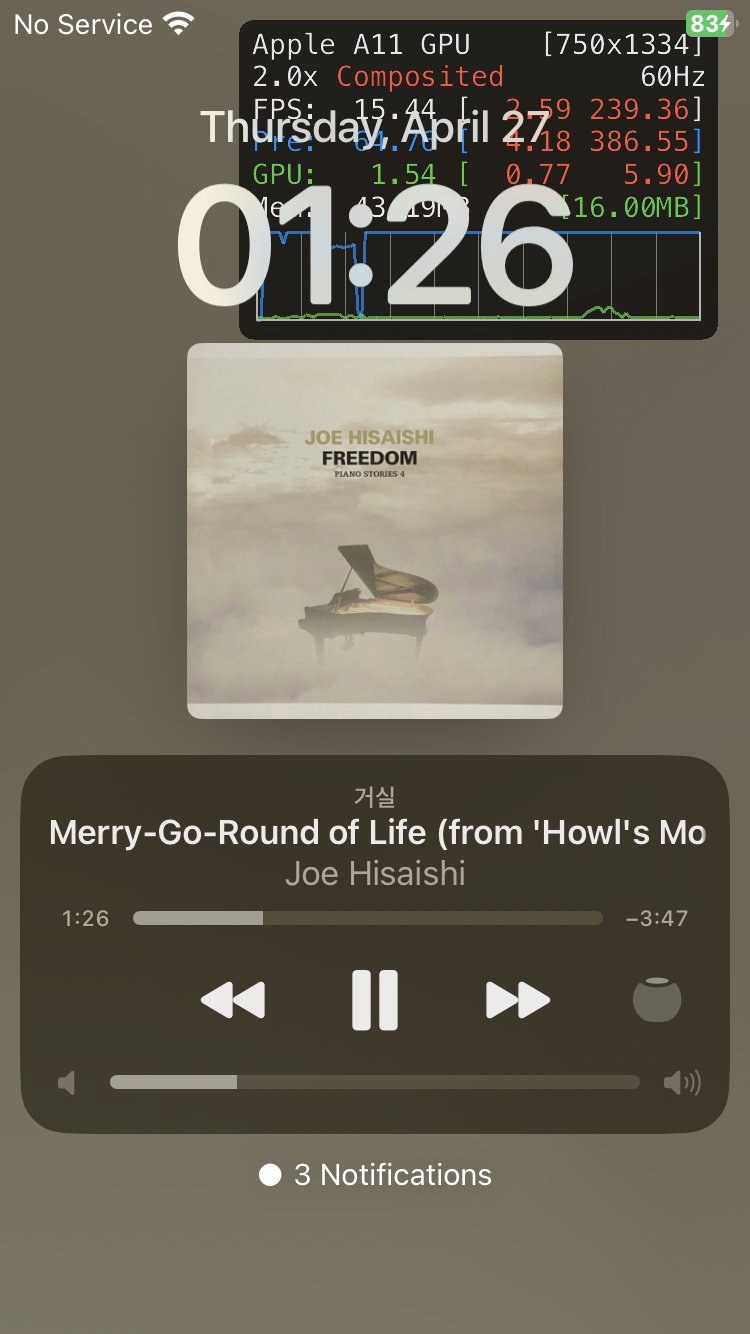
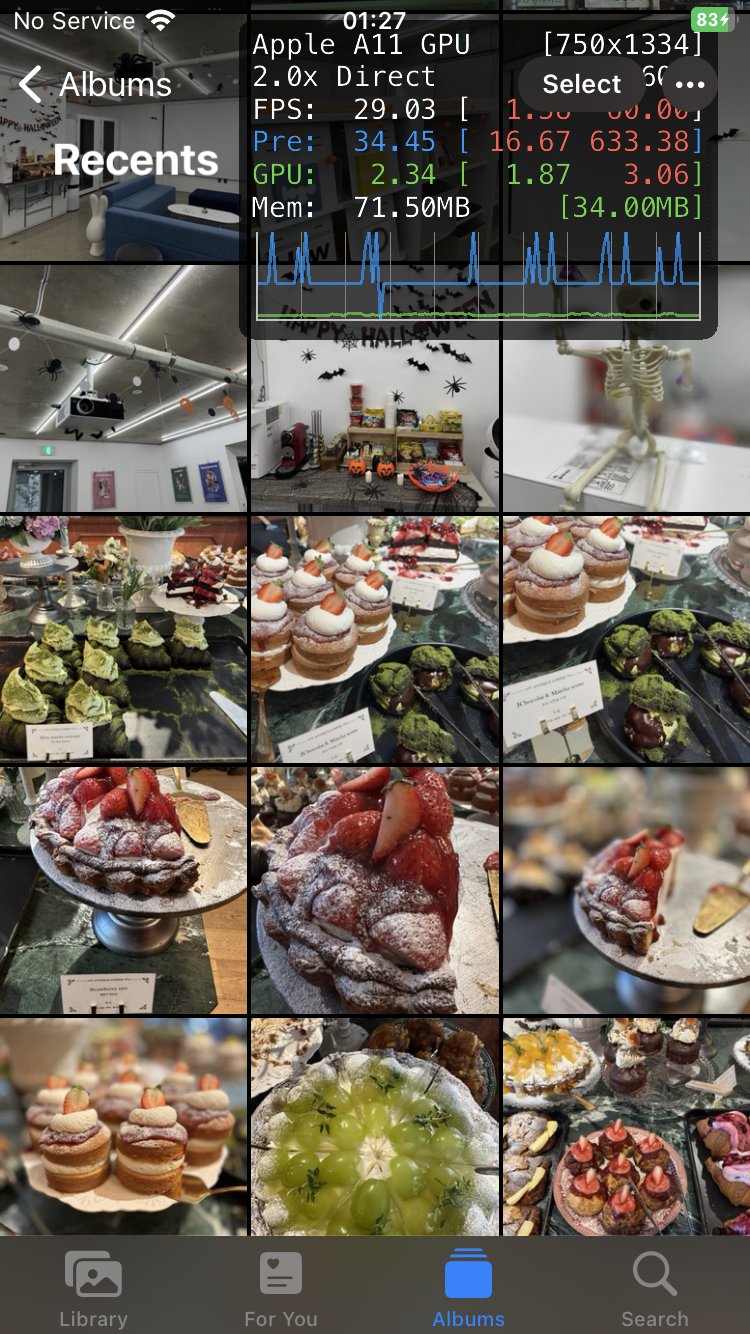
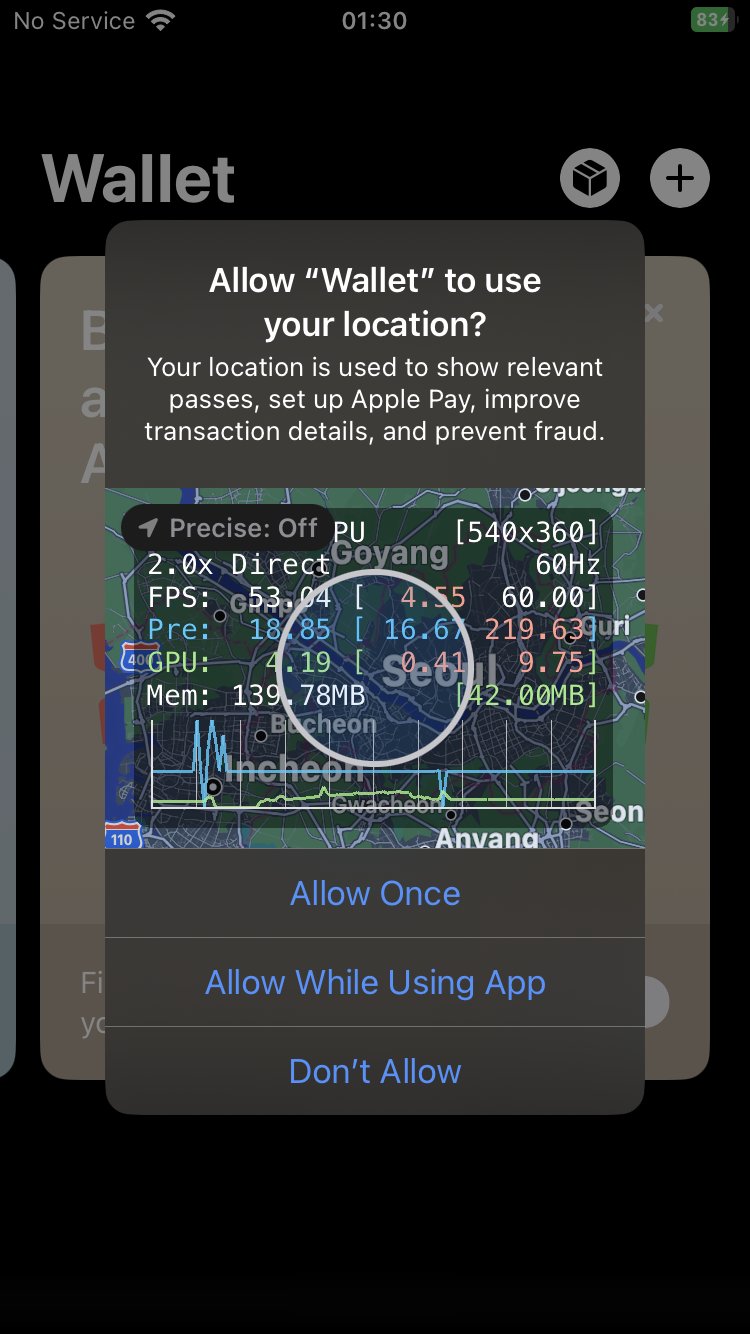
Enable Graphics Overview on all Metal driven apps.
Includes a Control Center toggle (requires CCSupport) — add the "Metal HUD" module in Settings → Control Center. Toggling takes effect for apps launched afterwards; already-running apps keep their current state until relaunched.
To choose which metrics the HUD shows, long-press the Control Center module and check the metrics you want ("Default (all)" restores the stock layout), then relaunch the app. Alternatively, add an Elements key (comma-separated string, e.g. fps,memory,gputime) to /var/mobile/Library/ControlCenter/MetalHudLoader.plist, then flip the Control Center toggle off and on (or respring) and relaunch the app. Available names: device, layersize, layerscale, memory, fps, frameinterval, gputime, thermal, frameintervalgraph, presentdelay, frameintervalhistogram, metalcpu, gputimeline, shaders, framenumber, disk, fpsgraph, toplabeledcommandbuffers, toplabeledencoders. Remove the key to restore the default layout. (Uses MTL_HUD_ELEMENTS; the iOS 16 HUD only supports MTL_HUD_ENABLED/MTL_HUD_LOG_ENABLED and ignores element selection, so this requires iOS 17 or later.)
No release notes.